
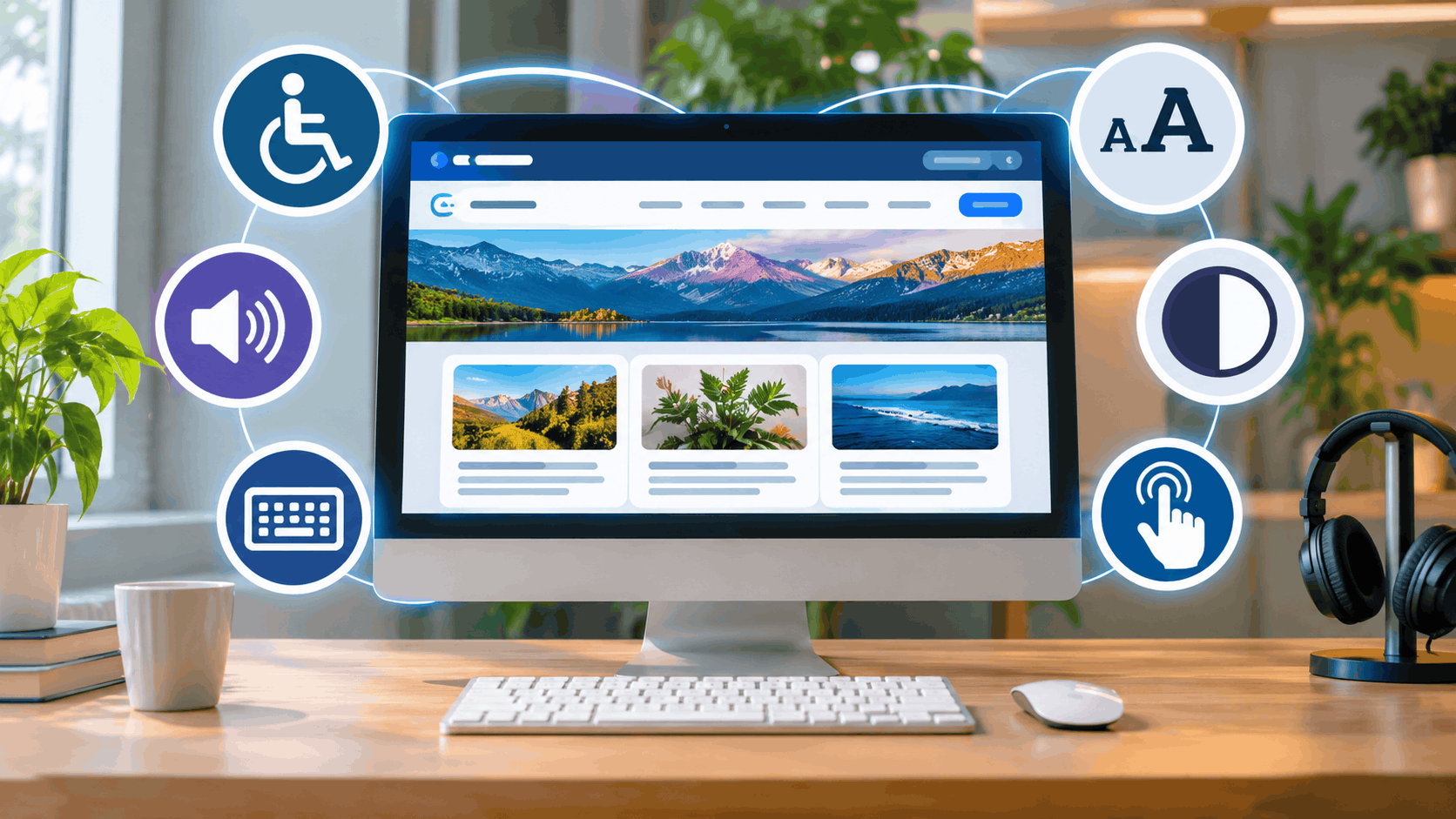
Website Accessibility Design: Best Practices for Creating Inclusive Websites in 2027
Your website should be easy to use for everyone, regardless of their physical abilities, age or level of technical experience. However, features such as small text, poor colour contrast, confusing navigation and inaccessible forms can prevent people with disabilities from accessing important information or completing everyday tasks. Website accessibility addresses these barriers by making digital experiences more inclusive. In 2027, businesses in the United States should treat accessibility as an essential part of website planning, design and development rather than an optional feature.
What Is Website Accessibility and Why Does It Matter?
Website accessibility means designing and developing websites so people with different abilities can navigate, understand and interact with their content. This includes people with visual, hearing, mobility and cognitive disabilities.
An accessible website also benefits visitors who use mobile devices, have temporary injuries or experience age-related changes.
For businesses, accessibility matters because it can:
Expand Your Audience: Make your products, services and information available to more potential customers.
Improve User Experience: Create clearer navigation, readable content and simpler interactions for all visitors.
Support Compliance: Help businesses understand and address relevant accessibility responsibilities under US disability laws.
Build Customer Trust: Show that your organisation values inclusion and considers different customer needs.
7 Website Accessibility Design Best Practices for 2027
Creating an accessible website does not always require a complete redesign. You can start by addressing common barriers in your existing website and applying inclusive principles to new pages.
1. Use Clear Colours and Readable Typography
Your website’s visual design should make information easy to read. People with low vision or colour blindness may struggle with faint text, small fonts and colour combinations that lack contrast.
Follow these practices:
Maintain Colour Contrast: Use sufficient contrast between text and its background. WCAG 2.2 recommends a contrast ratio of at least 4.5:1 for normal-sized text and 3:1 for large text.
Choose Readable Fonts: Use simple typefaces and comfortable font sizes instead of decorative styles that make reading difficult.
Avoid Colour-Only Indicators: Use labels, icons or text alongside colours to communicate errors, warnings and important information.
Allow Text Resizing: Ensure visitors can enlarge text without losing content or functionality.
2. Make Website Navigation Keyboard-Friendly
Not everyone uses a mouse or touchscreen to browse a website. Some visitors rely on keyboards, switch devices or other assistive technologies.
Your navigation should allow users to move through menus, links, buttons and forms using keyboard controls. A visible focus indicator should show which element is currently selected. Also, provide a skip-to-content link so visitors can bypass repeated navigation menus and reach the main information quickly.
3. Add Alternative Text to Images
Images often communicate information that cannot be understood through text alone. Screen readers use alternative text, commonly called alt text, to describe relevant images to visitors who cannot see them.
For effective image accessibility:
Describe the purpose and meaningful details of informative images.
Keep decorative images free from unnecessary descriptions by using empty alt text.
Avoid placing essential instructions only inside images.
Use descriptive text for image-based links and buttons.
For example, an online retailer should describe a product image by identifying the product and its relevant features rather than using a generic description such as “product picture”.
4. Create Accessible Forms and Buttons
Forms are essential for enquiries, registrations, bookings and online purchases. However, unclear labels and error messages can make completing them difficult.
Make forms easier to use by providing visible labels for every field, explaining required information and identifying errors in clear language. Ensure buttons have descriptive names such as “Submit Enquiry” instead of vague labels such as “Click Here”.
For e-commerce websites, test the complete checkout process to ensure customers can enter delivery details, review orders and complete payments without unnecessary barriers.
5. Provide Captions and Transcripts for Multimedia
Videos and audio content should be accessible to visitors who are deaf, hard of hearing or unable to play sound.
Add accurate captions to videos so viewers can follow spoken information and important sounds. Provide transcripts for audio recordings and podcasts. If a video communicates essential information visually, consider adding audio descriptions or an equivalent text explanation.
Avoid automatically playing audio, as it can interfere with screen readers and make the browsing experience difficult.
6. Use Proper HTML Structure and Screen Reader Support
A website’s underlying structure helps assistive technologies understand its content. Developers should use semantic HTML elements to identify headings, navigation areas, buttons, links and form controls.
Organise headings logically, starting with the main page heading and following a clear hierarchy. Use descriptive link text so visitors understand where a link will take them without needing to read the surrounding paragraph.
Accessible code also makes websites easier to maintain and reduces confusion when content or layouts change.
7. Make Accessibility Part of Mobile Website Design
Many customers browse websites using smartphones and tablets. An accessible mobile experience should support different screen sizes, input methods and assistive technologies.
Make sure:
Buttons and interactive elements have sufficient size and spacing.
Content adjusts to smaller screens without unnecessary horizontal scrolling.
Text remains readable when users zoom in.
Menus can be opened and operated using different input methods.
Important features remain available in both portrait and landscape orientations.
How to Test Your Website for Accessibility
Following design guidelines is a good starting point, but you also need to test whether visitors can use your website successfully.
A combination of automated tools and manual testing provides a more useful assessment.
| Testing Method | What It Helps You Check |
| Automated accessibility tools | Identify common issues such as missing alt text and insufficient colour contrast. |
| Keyboard testing | Check whether users can navigate and operate the website without a mouse. |
| Screen reader testing | Assess how page content and interactive elements are announced. |
| Mobile testing | Identify usability problems across different devices and screen sizes. |
| User testing | Understand real difficulties experienced by people with disabilities. |
Tools such as WAVE, axe DevTools and Lighthouse can help identify accessibility issues. However, automated scans cannot detect every problem. Manual testing and feedback from people with disabilities remain important.
Understanding Accessibility Standards in the United States
The Web Content Accessibility Guidelines (WCAG) provide an internationally recognised framework for website accessibility. WCAG 2.2 organises its recommendations around four principles: Perceivable, Operable, Understandable and Robust.
In the United States, the Americans with Disabilities Act (ADA) is also relevant to digital accessibility. The Department of Justice has established specific WCAG 2.1 Level AA requirements for state and local government websites and mobile applications under Title II. Following an April 2027 rule change, the compliance deadlines are April 26, 2027, for larger public entities and April 26, 2028, for smaller public entities and special district governments.
Private businesses should also consider their applicable legal responsibilities. Meeting a particular technical standard does not automatically guarantee legal compliance.
Conclusion
Website accessibility should be considered throughout the design and development process. Clear typography, keyboard-friendly navigation, descriptive images and accessible forms can remove common barriers and create a better experience for more visitors.
Start by evaluating your existing website, prioritising important user journeys and testing improvements regularly. With consistent attention to accessibility, your business can build a more inclusive digital experience that supports customers and long-term website usability.
Frequently Asked Questions (FAQ’S):
1. What Is the Recommended Accessibility Standard for Websites in 2027?
WCAG 2.2 Level AA is a useful target for modern website accessibility projects. However, specific legal requirements may refer to earlier versions, depending on the organisation and applicable regulations.
2. Does Website Accessibility Only Benefit People With Disabilities?
No. Accessible websites can also help older visitors, mobile users and people dealing with temporary injuries. Clear navigation and readable content improve usability for a wider audience.
3. Can I Make My Existing Website Accessible Without Redesigning It?
Yes. You can begin by improving colour contrast, adding alt text, correcting heading structures and making forms keyboard-friendly. Larger design or development changes may be necessary when deeper accessibility issues exist.
4. Are Automated Accessibility Testing Tools Enough?
No. Automated tools can identify many common issues but cannot evaluate every aspect of usability. Manual testing, assistive technology checks and feedback from users are also necessary.
5. How Often Should a Website Be Tested for Accessibility?
Test your website during development, after major updates and whenever important features change. Regular reviews help identify new barriers before they affect more visitors.
Related Posts



Follow us
Recent post
Popular post
- How To Call Batch Apex By Scheduler Class Within Salesforce
- What Is The Importance Of Google Algorithm Updates
- How To Create Dynamic Dependent Picklist Of Objects Within Salesforce
- What Is Wrapper Class & How To Use It In Salesforce
- How To Create Pagination Within Salesforce
- Tips For Hiring A Good Offshore Drupal Development Company
- Web Development Mistakes That Affect Your Online Reputation
- How To Integrate Google Maps Into Your Salesforce Software
- Check Your Link Building Strategy For 2014
- Tips For Selling Products Through Social Networking
- How To Create A Chart With Salesforce
- Benefits of Using India For Outsourcing & Offshore Development
- How To Integrate Salesforce With Facebook
- What Is Service Cloud Console In Salesforce & How To Enable It
- Superior Offshore Web Development At A Reasonable Cost
- How To Create Bucket Fields In Your Salesforce Reports
- 5 Things To Consider When Hiring A Drupal Developer
- Growth Of E-commerce Website Development
- Challenges In Hiring An Offshore Web Development Company
- 10 Tips When Creating Batch Apex In Salesforce
- What To Include & What To Exclude In SEO Plans
- How To Create An Opportunity Using A Visualforce Page In Salesforce
- Hire An Offshore Ruby On Rails Development Company Over A Freelancer
- Hire Drupal Developers Offshore To Increase Your Capabilities
- Effective SEO In A Post Panda Update – The Rules Have Changed
- Common Mistakes In Offshore Web Development
- What To Consider While Hiring A Dedicated Ruby On Rails Developer?
- Smart Phone & Tablet User Penetration
- Tips For Hiring A Good Offshore PHP Development Company
- Why Responsive Web Design Is Essential For Your Business
- How To Email Documents From Salesforce
- Website Development And Website Design Company India
- Why Work With An Offshore Development Company?
- How To Create Tab Panel In Salesforce
- How To Avoid 5 Common Off-Page SEO Mistakes
- The Multi-Billion Dollar Offshore Software Development Industry
- What Are The Advantages Of Digital Marketing Over Traditional Marketing?
- SEO & Conversational Keyword Search
- How To Avoid 5 Common On-Page SEO Mistakes
- How To Add Google Authorship And Its Benefits For Better SEO
- What’s Better For Facebook Ads: CPC Or CPM?
- Questions To Ask Your Potential Search Engine Optimization Partner
- How To Create Batch Apex In Salesforce
- Benefits Of Offshore PHP Development For Your Businesses
- Offshore Magento Development Means More Than Just Development Help
- Why You Should Consider Hiring Joomla Developers Offshore
- What To Look For When Hiring A Dedicated OpenCart Developer
- Stop Using Free Web Templates – Hire A Web Development Company
- How To Manage An Offshore Development Company?
- Hire Offshore Software Professionals To Help Your Business
- Offshore Development Is A Sensible Solution For Recessionary Times
- Why You Should Offshore Your Joomla Website Development
- 5 Tips To Help You Hire A Good Offshore PHP Development Company
- Reasons Why Salesforce CRM Customization Is Easy
- PHP Development – Turn Your Website Into A Multi-Featured Web Application
- 5 Things To Ask A Web Development Company Before Starting Work
- How A Multifaceted Web Development Company Can Help You?
- Take Advantage By Hiring A PHP Development Company From India
- Use Social Media Marketing To Improve Your Brand Identity
- Hiring Dedicated Developers From Offshore Development Companies
- See Measurable Results By Hiring Dedicated Ruby On Rails Developer
- Avoid 4 Common WordPress Development Mistakes
- Can “Developed By” Links Hurt Your SEO?
- How To Get All Salesforce Components In Force.com IDE
- The Manifold Advantages Of Working With An Offshore Web Development Company
- Web Development Company In India Defined
- Hire A Dedicated Drupal Developer To Develop A High Performance CMS
- Offshore Development – The Most Beneficial And Cost Effective Way To Outsource Your Business
- What To Look For When Hiring An Offshore Development Company
- Why Dedicated PHP Web Developers Are In Demand
- How To Avoid Some Common Mistakes When Working With An Offshore Web Development Company
- How To Choose An SEO Company
- Factors To Consider When Hiring Offshore Developers In India
- What To Look For When Hiring Dedicated Magento Developers
- Why Google Create Its Own Title Instead Of Using Yours
- 3 Challenges of Working with an Offshore Web Development Company
- Why Ruby On Rails Development Has Become Popular
- Why Hire A Web Development Company That Also Offers SEO
- 10 Tips And Tricks For Salesforce
- Are Back-links Losing Their Importance To Google Search Rankings
- The Significance Of A Salesforce Developer
- 4 Reasons to Hire A Web Development Agency Over A Freelancer
- Hire A PHP Developer- How Outsourcing Can Be A Key To Success
- Importance Of Strategic Digital Marketing For Business Growth
- Factors To Keep In Mind Before Hiring Dedicated Magento Developer
- Web Development India – For Prompt And Accurate Services
- Looking For An Offshore PHP Development Company, Where Do I Begin?
- 5 SEO Myths
- How To Choose A Company When Hiring Dedicated PHP Developers
- Why You Should Optimize For Local Search
- Hiring Offshore WordPress Developers Can Help Your Business
- How To Use Social Networking To Market Your Business
- Why Offshore Web Development To India Makes Business Sense
- 5 Factors To Consider When Hiring A Web Development Company
- Top Five Benefits Of Salesforce
- Benefits Of Hiring A Dedicated PHP Developer From India
- Using SEO & Social Media Together
- How Can An SEO Company Help Your Profile Online
- Strategic Importance Of Mobile SEO
- Choose The Social Media Network That Suits Your Business
Archives
- November 2026
- October 2026
- September 2026
- August 2026
- July 2026
- June 2026
- May 2026
- April 2026
- March 2026
- February 2026
- January 2026
- December 2025
- November 2025
- October 2025
- September 2025
- August 2025
- July 2025
- June 2025
- May 2025
- April 2025
- March 2025
- February 2025
- January 2025
- December 2024
- November 2024
- October 2024
- September 2024
- July 2024
- June 2024
- May 2024
- April 2024
- March 2024
- February 2024
- September 2023
- August 2023
- July 2023
- June 2022
- May 2022
- March 2022
- January 2022
- August 2021
- July 2021
- June 2021
- May 2021
- January 2021
- December 2020
- September 2020
- August 2020
- July 2020
- June 2020
- April 2020
- March 2020
- December 2019
- November 2019
- October 2019
- September 2019
- August 2019
- July 2019
- June 2019
- May 2019
- April 2019
- March 2019
- February 2019
- January 2019
- December 2018
- November 2018
- September 2018
- April 2018
- February 2018
- January 2018
- September 2017
- August 2017
- July 2017
- June 2017
- May 2017
- April 2017
- March 2017
- February 2017
- January 2017
- December 2016
- November 2016
- October 2016
- September 2016
- August 2016
- July 2016
- June 2016
- May 2016
- April 2016
- March 2016
- February 2016
- January 2016
- December 2015
- November 2015
- October 2015
- September 2015
- August 2015